Customers
Keep every customer, their devices, repair history and reminders in one place.
Manage customers
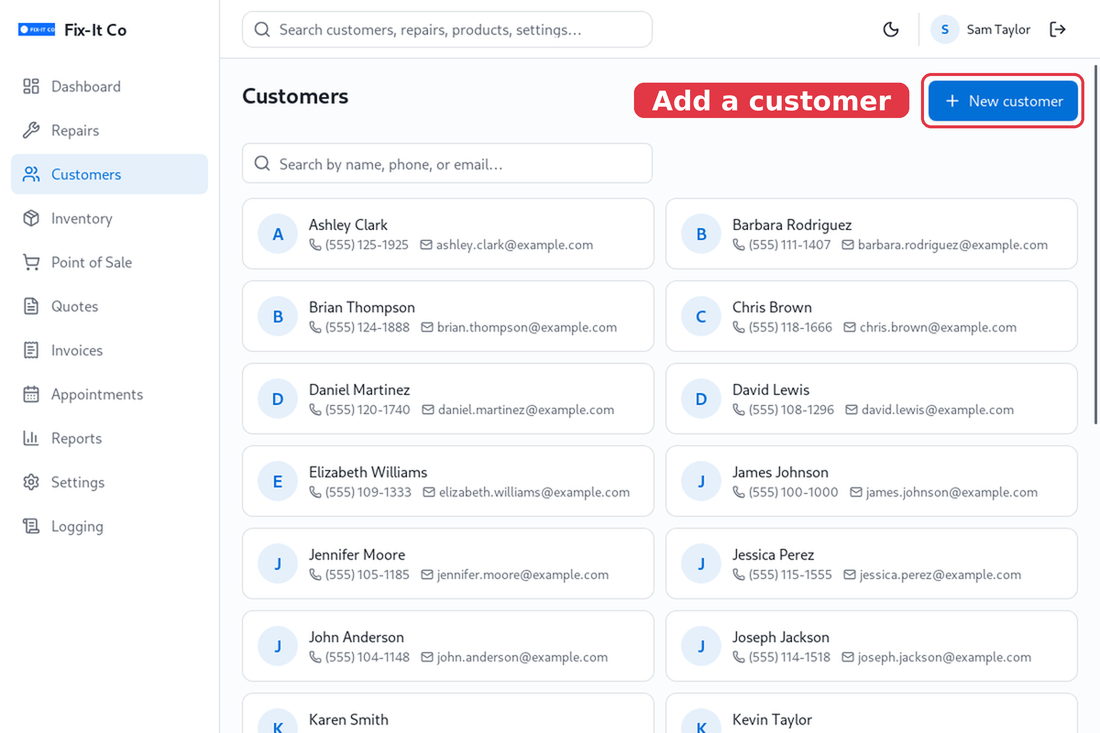
Open Customers and search by name, phone or email - a phone search ignores spaces, dashes and brackets, so 5551234 finds a customer saved as (555) 123-4. Click on New customer to add one, then fill in their details: Name (the only required field), Phone, Email, Address and free-form Notes. Click on Create customer to save. You can reopen anyone later to edit the same fields.
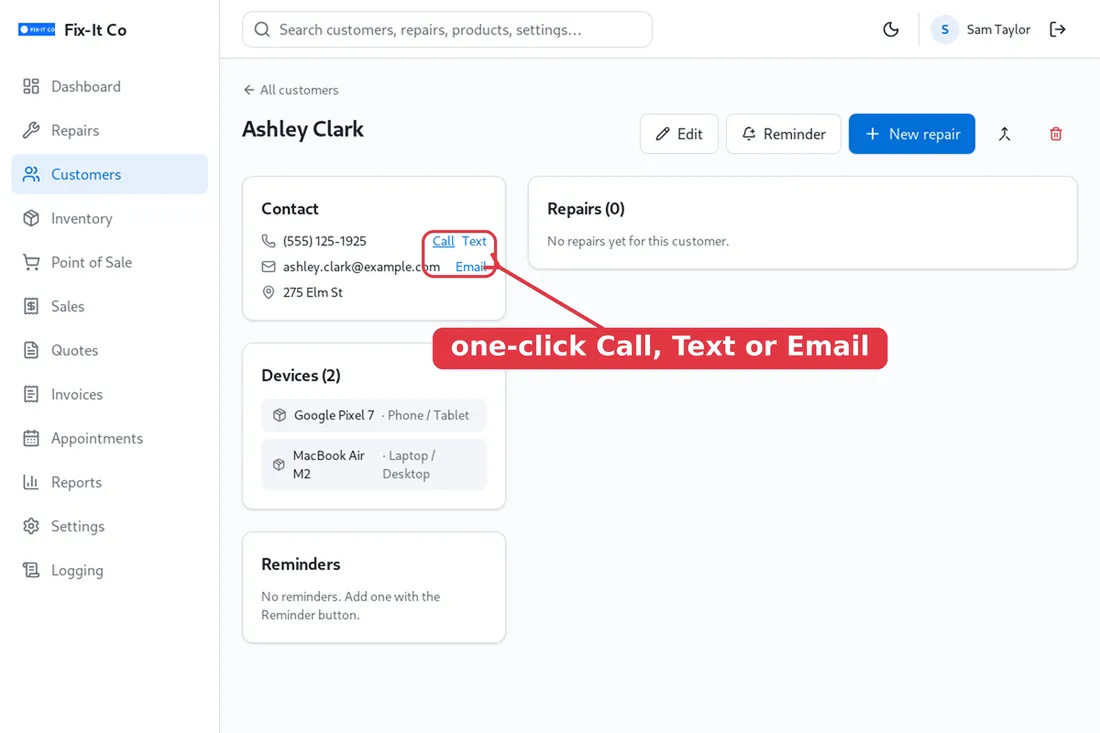
Open a customer to see everything in one place - their Contact details, the Devices you’ve worked on, their full Repairs history, and any service Reminders. The contact card has quick Call, Text and Email links that open your phone or mail app already addressed to them. You can start a new job straight from here with New repair, or add a follow-up with Reminder.
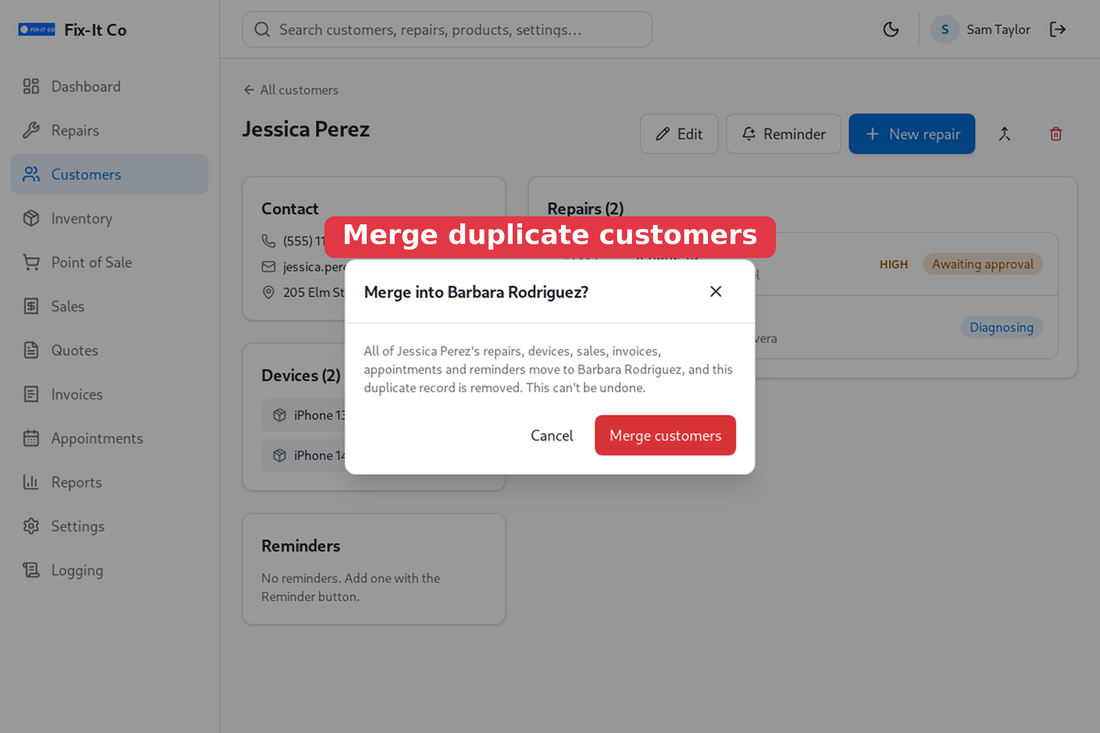
Ended up with the same person twice? Open the duplicate and use the merge button (next to Delete) to pick the customer to keep. All of the duplicate’s repairs, devices, sales, invoices, appointments and reminders move across, and the duplicate is removed. This can’t be undone.