Quotes & invoices
Send estimates, turn them into invoices, and keep track of what’s owed.
Quotes
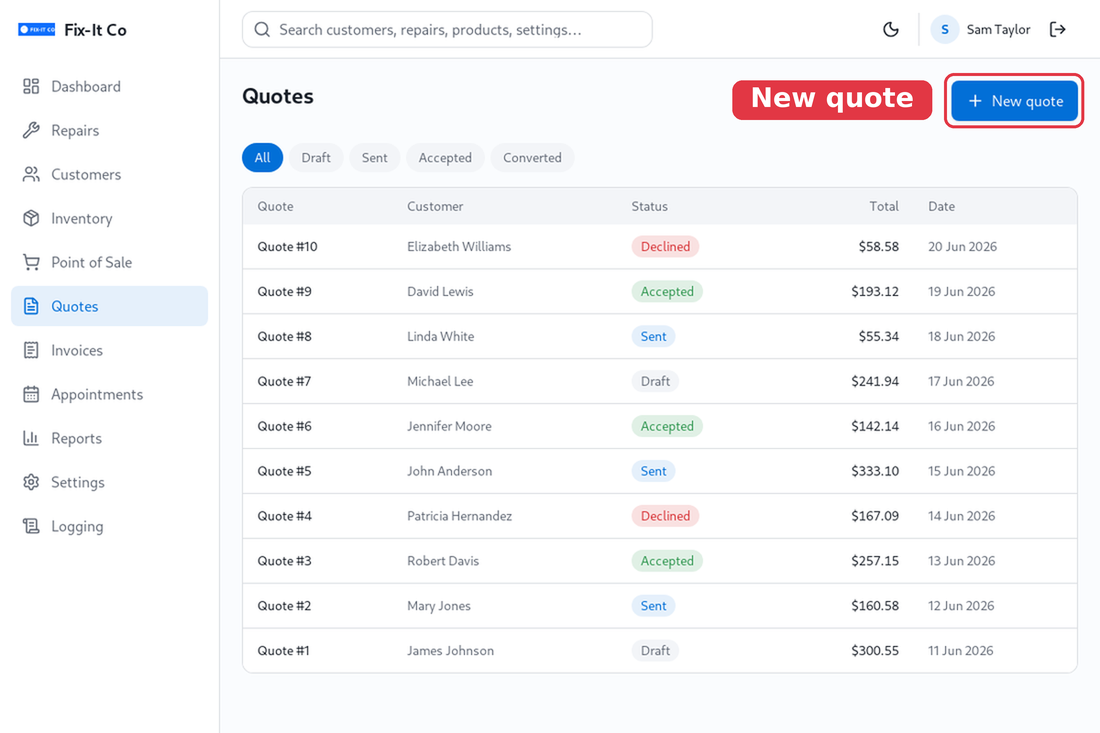
Open Quotes to create and send estimates. The status tabs track each quote from Draft to Sent, Accepted or Converted once it becomes an invoice.
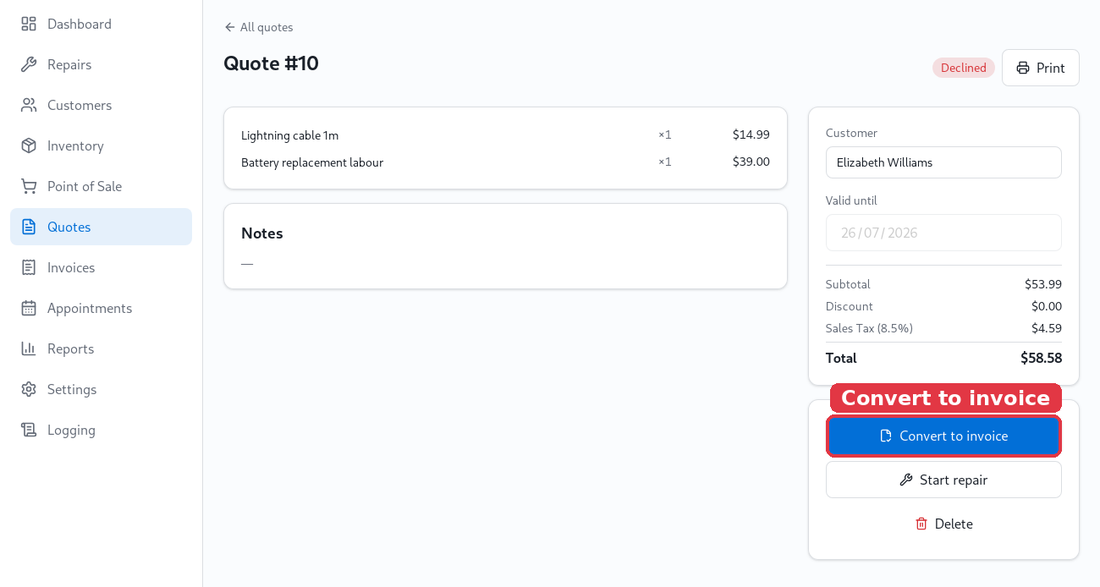
Open a quote to see its line items and totals. When the customer says yes, click on Convert to invoice to bill them, or Start repair to turn the quote straight into a job.
Invoices
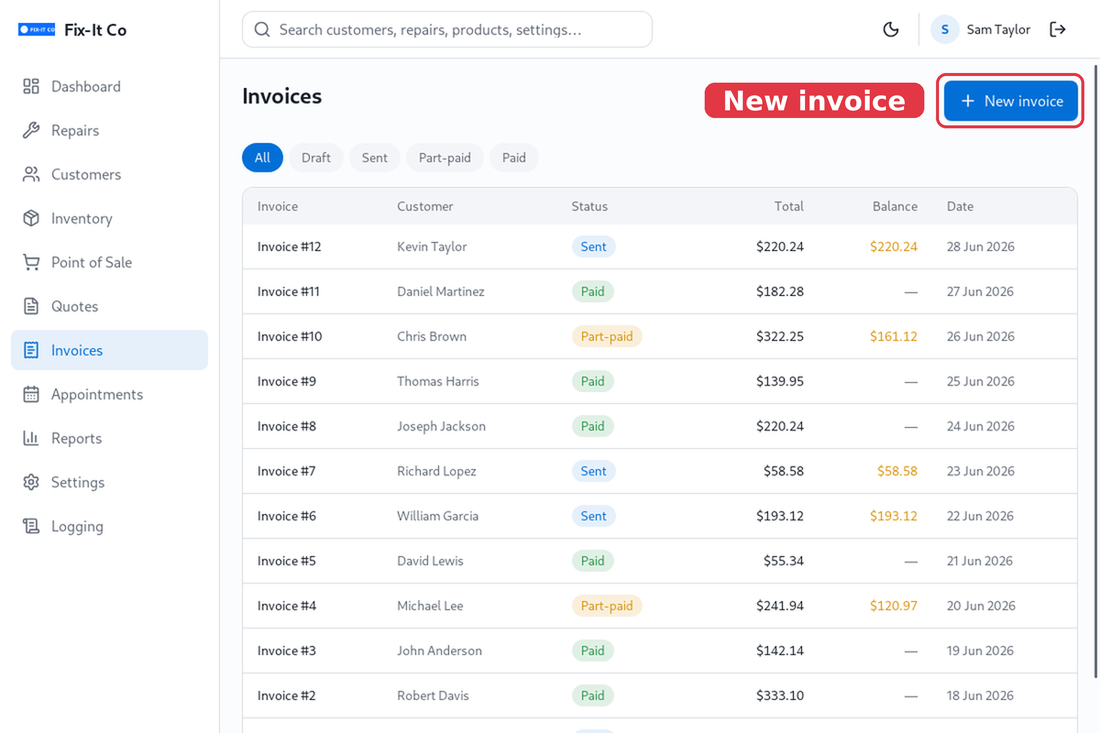
Open Invoices to bill customers and record payments. Each invoice shows its status - Sent, Part-paid or Paid - and the outstanding balance. Invoices carry your shop details, logo and tax, and the Discount can be a fixed amount or a percentage - the same as at the Point of Sale.
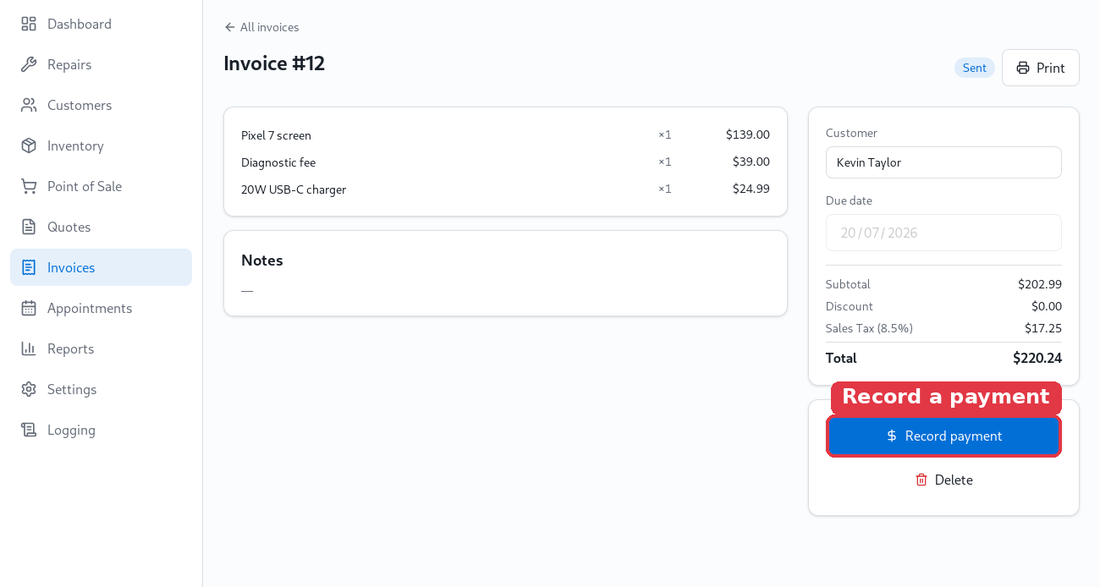
Open an invoice and click on Record payment to log what’s been paid. The Balance updates and the status moves to Part-paid or Paid automatically.